Registry
The Object Registry and Association Registry provide a centralised, searchable view of all architectural data within the active workspace.
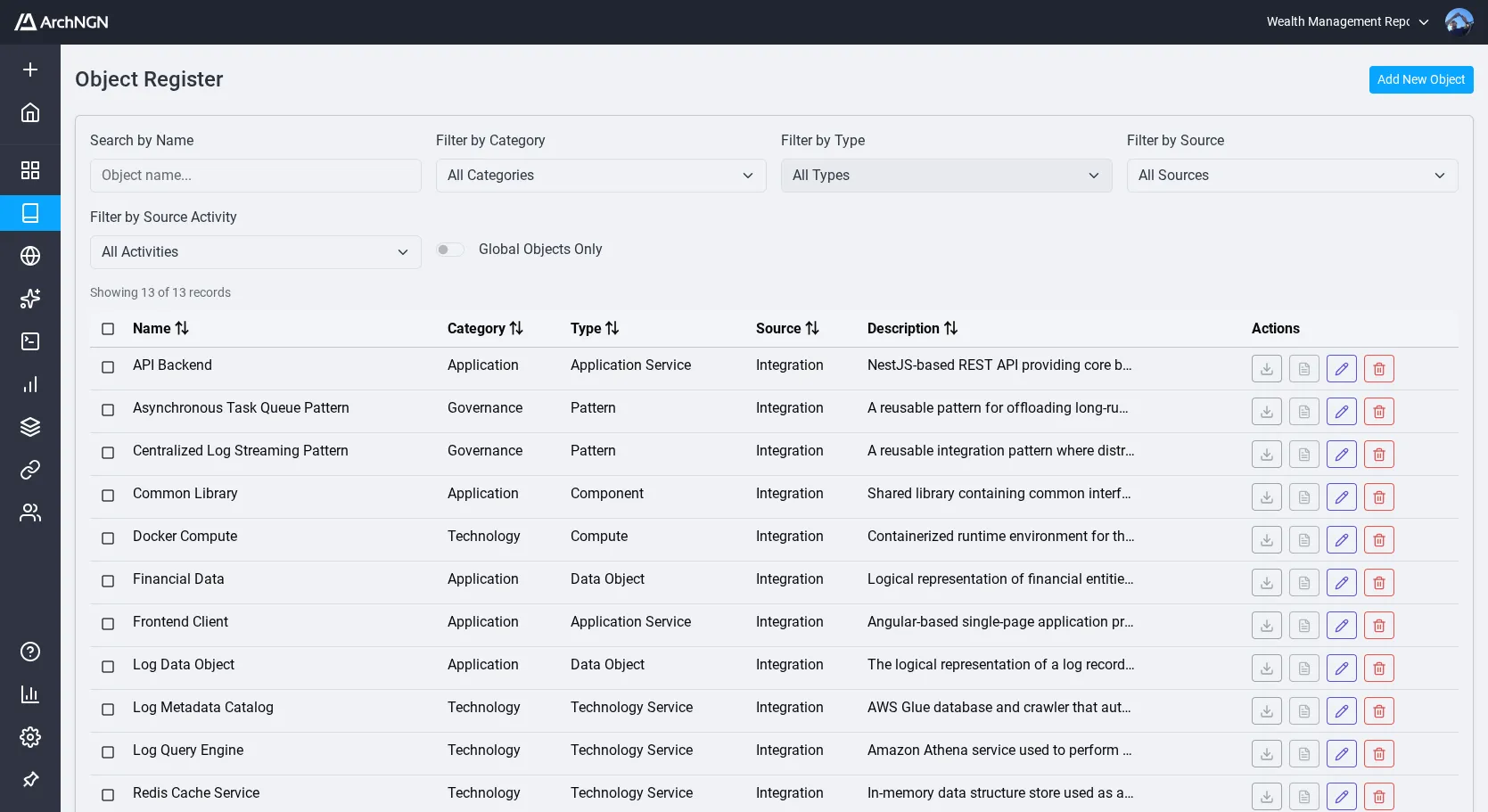
Object Registry
Section titled “Object Registry”The primary data grid for browsing and managing objects.
- Search: Find objects by name or description
- Filter: Narrow results by category, type, source, or activity
- Sort: Order by name, category, type, source, or description
- Bulk Actions: Select multiple objects for batch deletion
- Download Sources: Download attached source files for any object
- Pagination: Browse large datasets with 50 records per page
Click any object to open its detail pane, where you can edit metadata, manage associations, and view source content. See Objects and Associations for the full editing workflow.
Association Registry
Section titled “Association Registry”A dedicated view for managing relationships between objects. Use this to audit links, identify redundant dependencies, and maintain graph integrity.
- Search and filter associations
- Create, edit, and delete individual associations
- Batch delete selected associations
Source Traceability
Section titled “Source Traceability”Every object tracks its origin, whether created manually, extracted from a document, generated by an automation, or synced from an integration. For integration-synced objects, the source reference links back to the original external system.