Integrations
Integrations connect ArchNGN to external systems, allowing you to ingest metadata and keep your architectural models aligned with what is actually deployed.
For available integrations and usage guides, see the Integrations section.
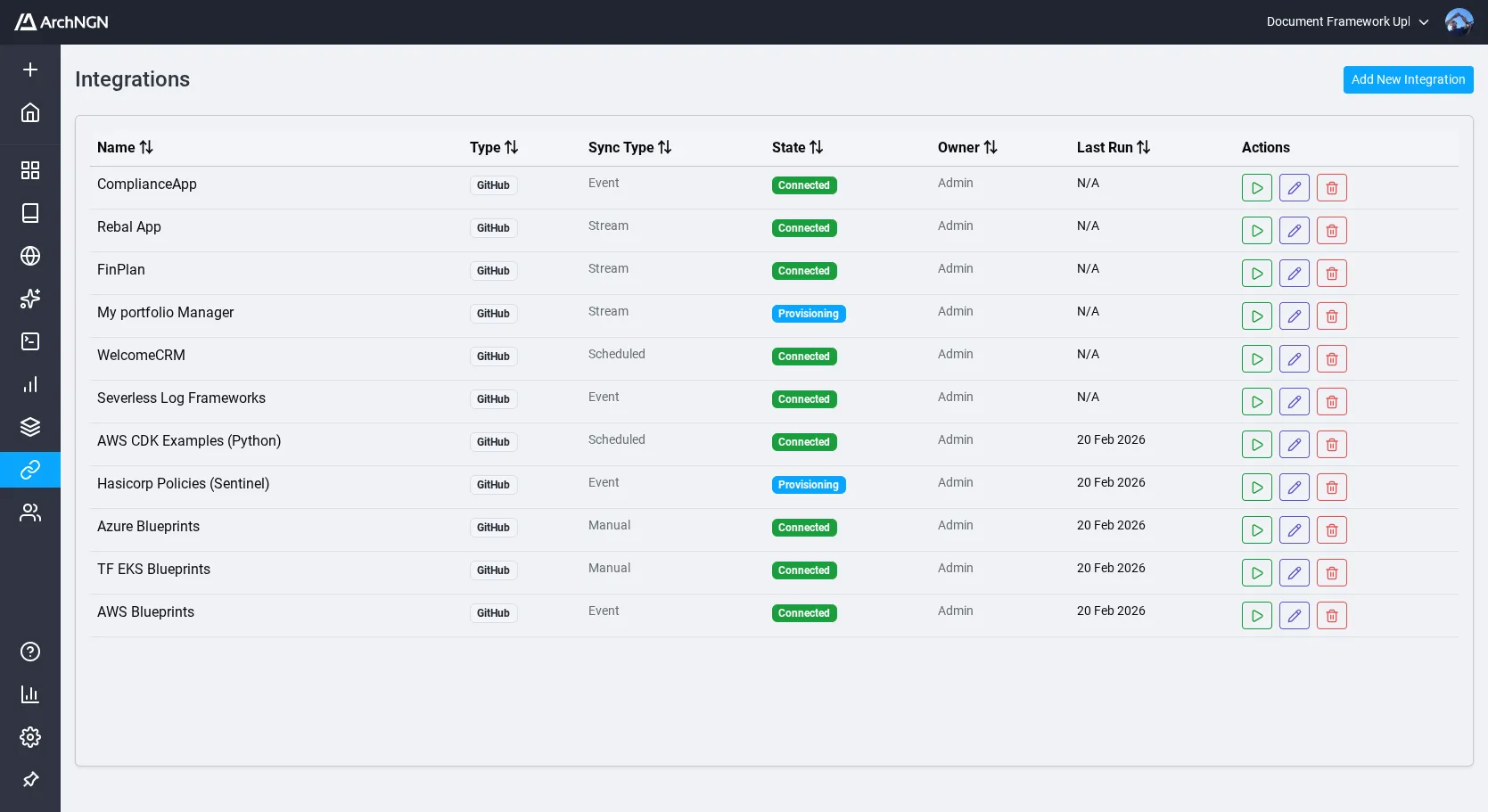
Setting Up an Integration
Section titled “Setting Up an Integration”- Navigate to Integrations in the left sidebar.
- Click Create Integration.
- Select the integration type and provide the required credentials (e.g., GitHub token).
- Configure the integration scope (e.g., which repositories to scan).
- Save the integration.
Running an Integration
Section titled “Running an Integration”Integrations are triggered manually. From the Integrations page:
- Locate the integration you want to run.
- Click Run to start the sync.
- The integration runs as a background job. Monitor progress on the Jobs page.
Each integration run creates or updates objects and associations in the active workspace based on the external data. Results and history are stored for each run.
Managing Integration Data
Section titled “Managing Integration Data”- View history: See all previous runs, their status, and results
- Re-run: Trigger a fresh sync at any time
- Delete: Remove an integration, with the option to also delete all objects and associations it created
Token Usage
Section titled “Token Usage”Integration jobs consume AI tokens from your account allowance. Token costs vary depending on the AI mode selected. For a full breakdown of costs by job type and AI mode, see Usage.