Repository
The Repository is the active workspace’s model as searchable tables. It is the what of the model: the objects, the links between them, the standards and decisions that govern them, and the shared vocabulary. For the same model as graphs, see the Explorer.
| Tab | What it holds |
|---|---|
| Objects | Applications, services, interfaces, data stores, cloud resources, capabilities, roles and the rest of the model. |
| Associations | The directional links between objects, each labelled Observed, Stated or Inferred. See Link evidence. |
| Reference Library | Policies, standards, frameworks, patterns, blueprints and decisions. See Reference Library. |
| Glossary | The terms used across the workspace, and where each was seen. See Glossary. |
Objects
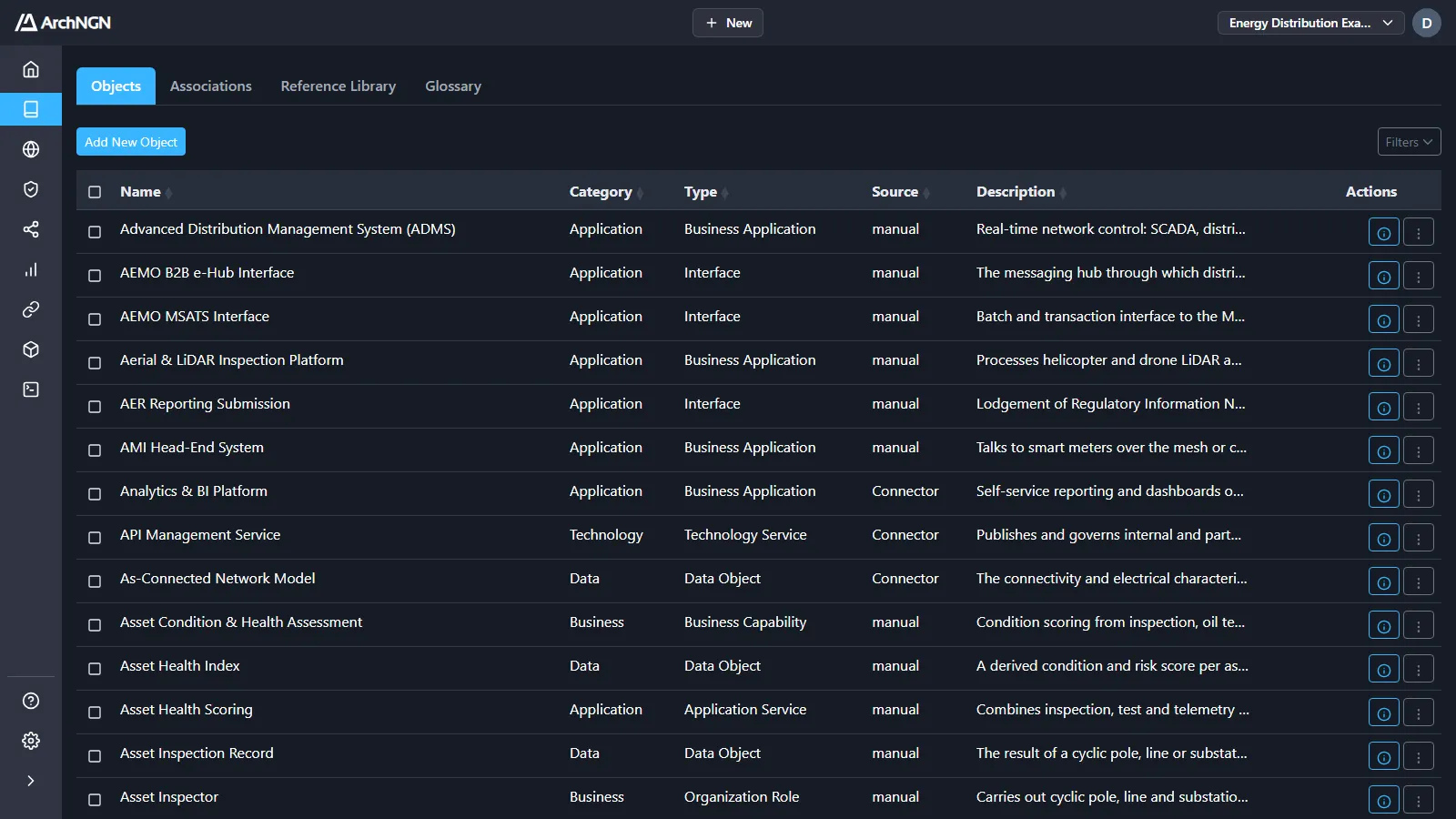
Section titled “Objects”Each row shows the object’s name, category, type, source and description.
- Search and filter: open Filters to search names and descriptions, or narrow by category, type, source or source activity. Filters also find global objects, objects missing an owner, description or tags, and objects with no associations. Home’s Needs your attention links straight to these.
- Sort: click a column heading.
- Open: click a row, or the ⓘ action, to see the object’s details, tags, owners and associations, and to open its context graph.
- Row actions (⋮): edit, delete, or download the source file the object was extracted from.
- Bulk delete: tick several rows and delete them together.
- Add New Object: create an object by hand. + New → Object does the same from anywhere.
The categories and types offered come from your account’s effective metamodel: the base schema plus any applied overlay. See Objects and associations for the fields.
Associations
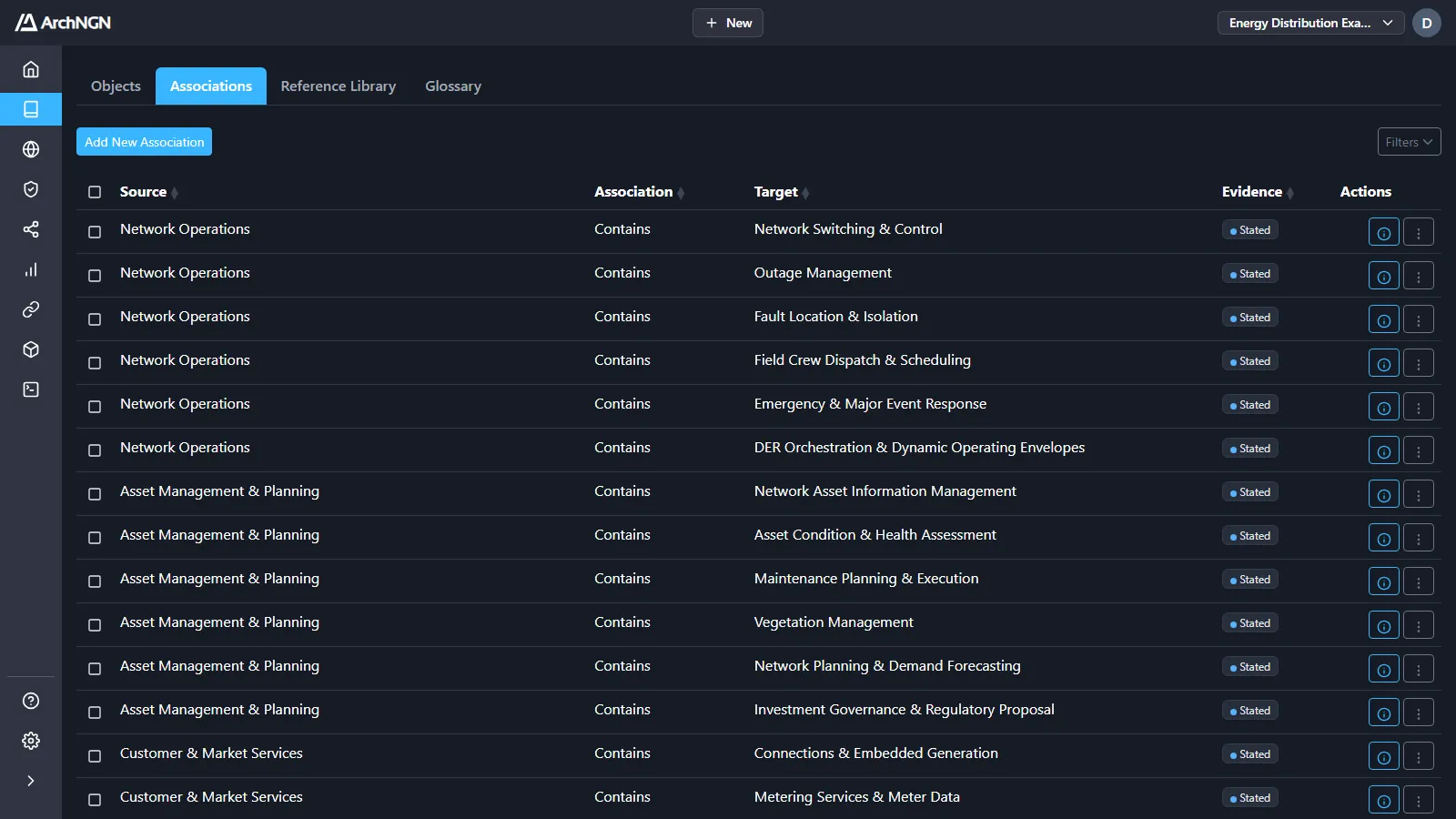
Section titled “Associations”Each row shows the source object, the relationship, the target object and its Evidence.
- Suggested links show above the list while any are pending: links between code and the resource it runs on that the platform found likely but couldn’t prove. Accept or reject each. See Connectors.
- Filter by Evidence to see only the links the platform inferred.
- Confirm or reject an inferred link from its row actions. See Link evidence.
- Add New Association creates a link by hand. It is recorded as Stated.
- Edit or delete single associations, or tick several and delete them together.
Where objects come from
Section titled “Where objects come from”Every object records its source and source activity: the connector run, workstream or person that created it. For an object read by a connector, the source reference points back to the file or resource it came from. Objects a connector created are updated in place when it runs again, rather than being deleted and recreated.
Who can change it
Section titled “Who can change it”Anyone who can open the workspace can browse the Repository. Creating, editing and deleting needs the workspace:write capability, which the User and Admin roles have. See Members and roles.