Profile and preferences
Your own settings live in the menu under your avatar, at the top right. Account-wide settings are under Settings in the sidebar instead (see Account settings).
The avatar menu shows your name, email and when you were last active, how many credits you have used this month, and three actions: Profile Preferences, Change password and Sign out.
Profile preferences
Section titled “Profile preferences”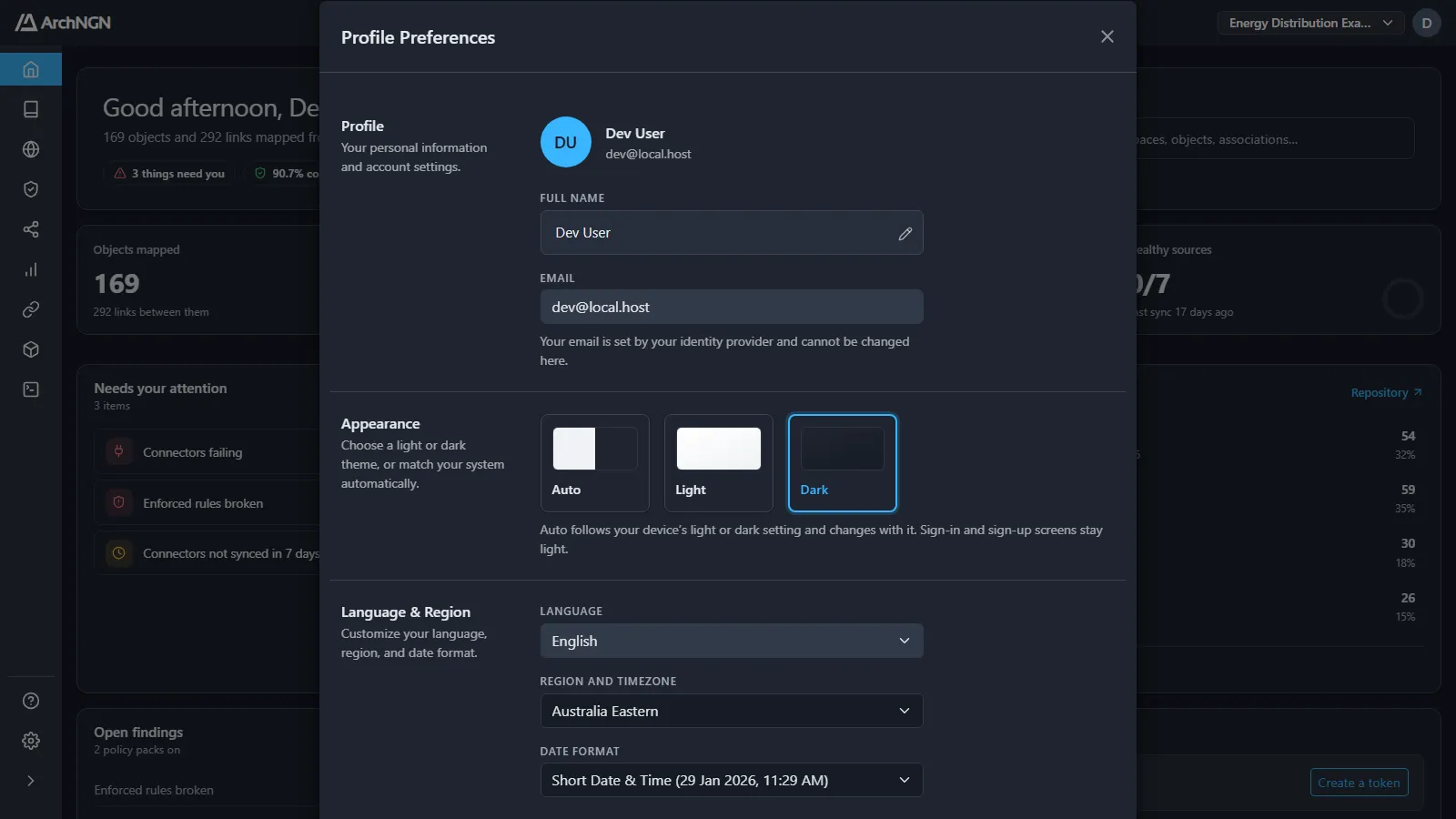
| Section | What you can change |
|---|---|
| Profile | Your full name. Your email is set by your identity provider and can’t be changed here. |
| Appearance | Auto, Light or Dark. Auto follows your device’s light or dark setting and changes with it. Sign-in and sign-up screens stay light. |
| Language & Region | Language, region and time zone, and how dates are shown: short date, short date and time, or relative time (2 hours ago). |
Preferences are saved to your profile, so they follow you to any browser you sign in from.
Change password
Section titled “Change password”Change password sets a new password for email and password sign-in. If you sign in with Google or Microsoft, your password is managed by that provider.
Keyboard shortcuts
Section titled “Keyboard shortcuts”| Shortcut | What it does |
|---|---|
| Ctrl+K (⌘K on a Mac) | Open search, from anywhere |
| ↑ / ↓, Enter | Move through search results or a dropdown, and open the highlighted item |
| Tab / Shift+Tab | Move focus inside a dialog |
| Esc | Close a dialog or popover |
The full list is under Help at the bottom of the sidebar.